

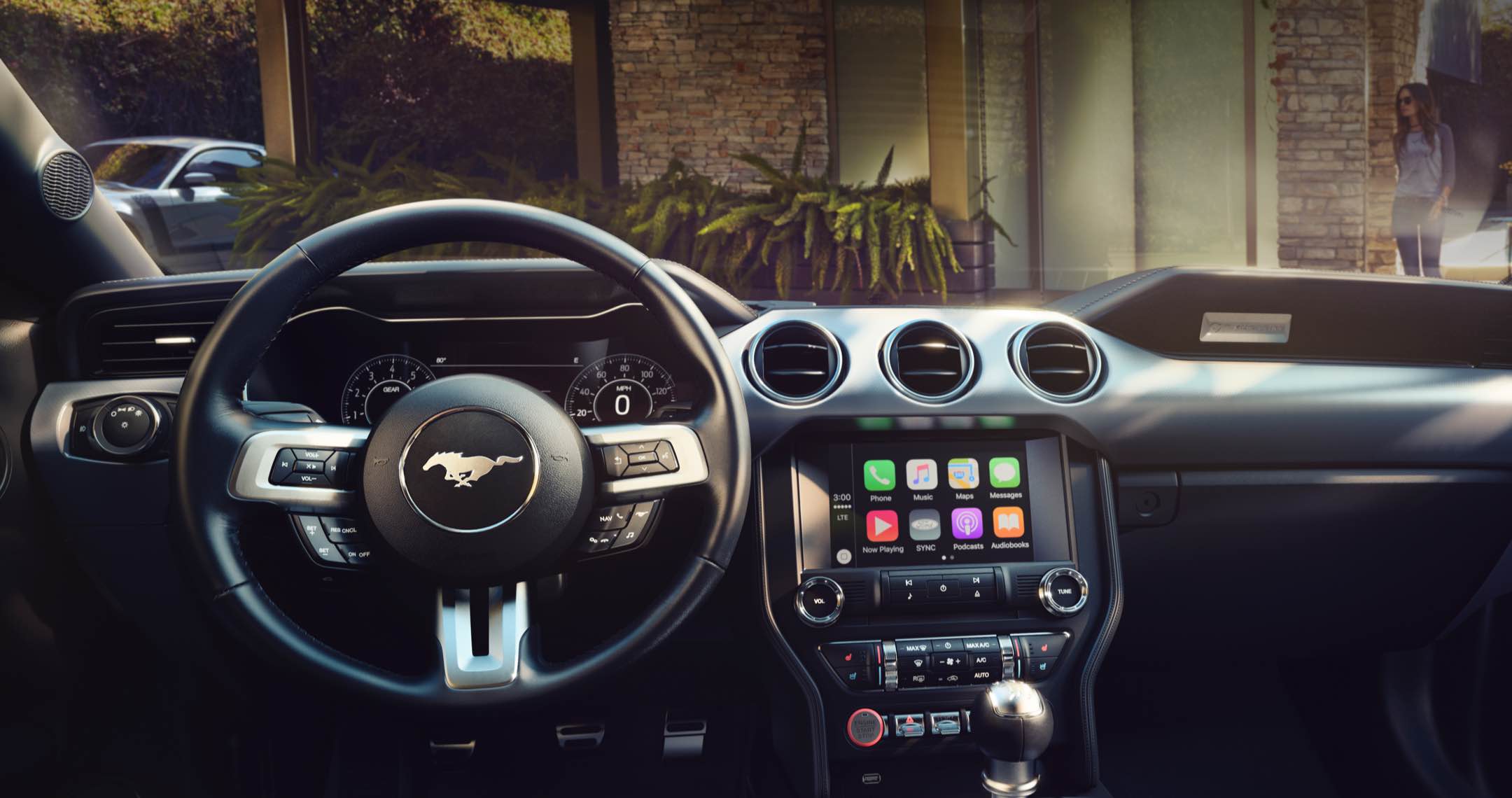
How to Connect Your Phone to Ford SYNC: Step-by-Step for 2022–2025 Models
Posted at Wed, Feb 25, 2026 9:19 PM
Getting into your Ford and realizing your phone will not connect can be frustrating, especially when you rely on hands-free calling, navigation, and music every day. This issue is common for drivers using Ford SYNC in newer vehicles, particularly when setting up a phone for the first time or after a software update.
At Stivers Ford South, we help Atlanta-area drivers connect their phones to Ford SYNC every day. Once your phone is properly paired, it will reconnect automatically each time you start your vehicle. If problems come up, our team is always available to help troubleshoot.
What Is Ford SYNC and Why It’s Worth Using
Ford SYNC is an in-vehicle infotainment system designed to connect your smartphone to your vehicle using Bluetooth, Apple CarPlay, or Android Auto. It allows you to make calls, send messages, play music, and use navigation without handling your phone.
Most 2022 to 2025 Ford models are equipped with SYNC 4 or SYNC 4A. These newer systems offer faster processing speeds, improved graphics, wireless smartphone connectivity, and cloud-based navigation features. Many drivers appreciate how seamlessly SYNC integrates with everyday apps while helping reduce distractions on the road.
How to Connect Your Phone to Ford SYNC
Pairing your phone with Ford SYNC takes just a few minutes. Before starting, make sure your vehicle is parked and running. Follow these steps to connect your iPhone or Android device:
- Enable Bluetooth in your phone’s settings.
- Keep your phone on the Bluetooth settings screen and make sure it is discoverable.
- On your Ford touchscreen, select the Phone icon and choose Add Phone.
- When your vehicle appears on your phone, select it.
- Confirm that the six-digit PIN shown on both screens matches.
- Select Pair on your phone and Yes on the vehicle screen.
- Allow access to contacts and messages if prompted.
Once paired, your phone should connect automatically each time you enter the vehicle, allowing you to make calls or play audio without repeating the process.
How to Update Ford SYNC Software for Best Performance
Outdated software is one of the most common reasons for SYNC connection issues. Ford releases updates throughout the year to improve performance, compatibility, and system stability.
SYNC 4 and SYNC 4A can update automatically when connected to Wi-Fi. You can enable automatic updates in the system settings so downloads occur in the background while the vehicle is parked. Updates can also be installed manually using a USB drive downloaded from Ford’s official support site.
Keeping your SYNC system updated helps prevent dropped connections, frozen screens, and missing features.
Fixing the SYNC 4 Time and Clock Issue
Some drivers notice that the clock on SYNC 4 displays the wrong time or fails to adjust for daylight saving time. This usually happens when GPS data is interrupted or the system needs a reset.
To correct the time, open the SYNC settings menu and select the option to reset or sync the clock using GPS. If the issue continues, restart the system by holding the volume and track-forward buttons at the same time until the screen reboots.
Using Ford SYNC Mobile Apps and Voice Commands
Ford SYNC supports a wide range of apps, including music streaming, navigation, and voice assistants. Drivers can control apps such as Spotify, Waze, and Amazon Alexa directly from the touchscreen.
Voice commands add another layer of convenience. Press the voice button on the steering wheel and speak naturally to place calls, play music, or enter destinations. This feature is especially helpful during busy Atlanta commutes.
Troubleshooting Common Ford SYNC Connection Issues
If your phone fails to connect or disconnects frequently, start by turning Bluetooth off and back on. If that does not work, delete the pairing from both your phone and the SYNC system, then repeat the pairing steps.
Restarting the SYNC system often resolves frozen screens or missing apps. Make sure your phone’s operating system is up to date, as outdated software can cause compatibility problems. Most issues can be fixed without a service visit.
Frequently Asked Questions About Ford SYNC
Which Ford models use SYNC 4 or SYNC 4A?
Most Ford vehicles from the 2022 through 2025 model years are equipped with SYNC 4 or SYNC 4A.
How long does it take to connect a phone to Ford SYNC?
The pairing process typically takes less than five minutes.
Why will my phone not stay connected to Ford SYNC?
This is often caused by outdated SYNC software or saved Bluetooth connections that need to be removed.
Can Ford SYNC update automatically?
Yes, SYNC 4 and SYNC 4A can update automatically when connected to Wi-Fi.
Where can I get help if my Ford SYNC is not working?
A Ford dealership, such as Stivers Ford South, can assist with diagnostics and system updates.
Get Ford SYNC Help at Stivers Ford South
If you need hands-on assistance, the team at Stivers Ford South is ready to help with phone pairing, software updates, and system troubleshooting. Visit our service center or contact our team online to schedule support.
You can also call 770-674-6075 to speak with a member of our technical staff and get your SYNC system working the way it should.
Images by OEM